
23 noviembre
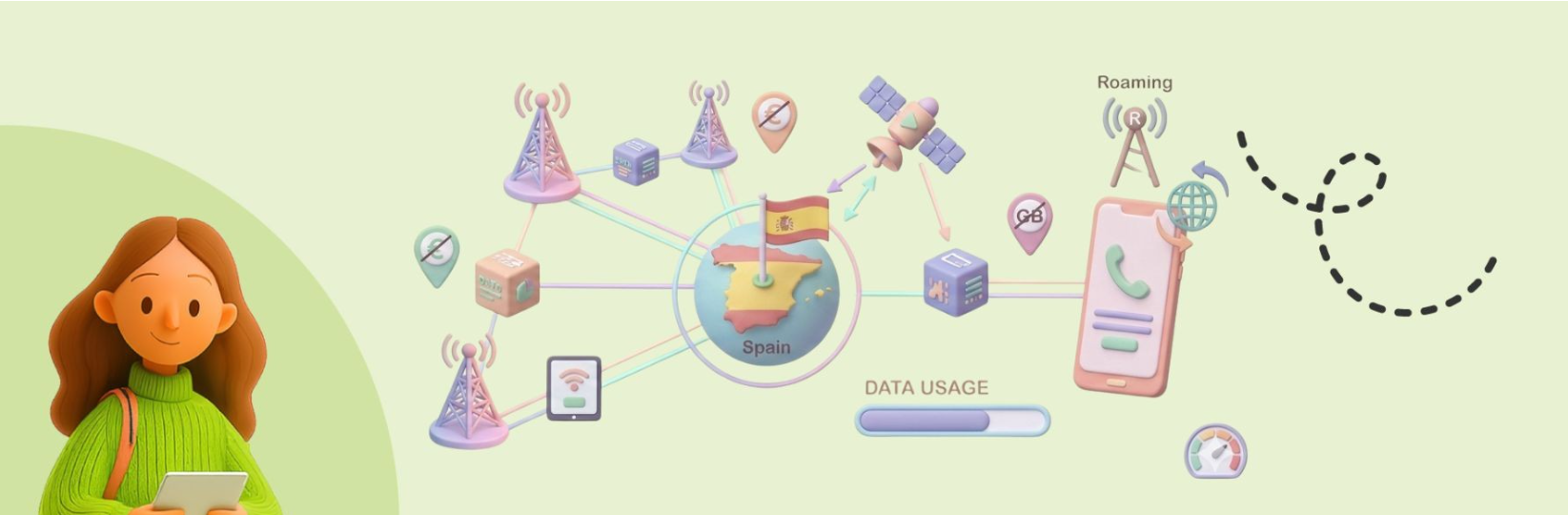
Data Roaming in Spain Explained
Data roaming is one of those concepts that often creates confusion whenever we travel or change countries. Although in Spain and across the European Union roaming conditions have been greatly simplified in recent years, it is still important to understand how it works, when it applies, and what costs it may involve.
In this article, we clearly explain everything you need to know about data roaming in Spain.
What is data roaming?
Data roaming is the service that allows your mobile phone to connect to the internet when you are outside your usual operator’s network. In other words, when you travel to another region or country, your phone connects to a ‘foreign’ network so that you can continue to use mobile data, make calls and send messages.
In Spain, this is particularly relevant when travelling within the European Union or to countries outside it.
Roaming in Spain and the Union Europe
Since 2017, thanks to the “Roam like at home” regulation, users can use their mobile plan in the other UE countries without paying additional roaming charges.
This means that if you have a plan contracted in Spain with operators such as Movistar, Vodafone España, or Orange España, you can use your data in EU countries as if you were in Spain
What is included?
-
Browsing the internet
-
Using apps like WhatsApp, Instagram, or TikTok
-
Making and receiving calls
-
Sending and receiving SMS
Although roaming usually includes calls:
-
Calling numbers outside the country you are in may have an extra cost
-
Calling from abroad to non-EU countries can be expensive
-
SMS messages are usually included within the EU, but not always outside it
When can additional charges apply?
Although roaming within the EU is usually included, there are situations where you might pay extra:
-
Excessive or abusive use: If you spend more time outside Spain than inside over a long period, your operator may consider it “abusive roaming use.”
-
Data limits: Some low-cost or unlimited plans may have a roaming data cap. If you exceed it, additional charges may apply.
-
Countries outside the EU: If you travel to destinations such as the United States, Morocco, or Latin America, roaming is not regulated and prices can be significantly higher.
How to check if roaming is activated
Roaming cannot be activated from your phone’s settings. It is enabled by your operator, either from its app or by calling customer service. Check there that roaming is active on your line before you travel and review the specific conditions of your plan while you are at it.
What you do need to activate on your phone is data roaming, which lets your device connect to foreign networks and use mobile data abroad. You can find it in:
-
Settings
-
Mobile data (or Mobile network)
-
Network options
-
“Data roaming” toggle
Without this setting switched on, you won’t be able to use mobile data abroad, even if roaming is active on your line.
Tips to avoid surprise charges
To avoid unexpected costs while traveling, it is recommended to review available options such as the 3 best international cell phone plans for roaming and travel before choosing your mobile tariff.
-
Always check your plan conditions before traveling
-
Enable data usage alerts
-
Use WiFi whenever possible
-
Disable background data for apps that consume a lot of internet
-
Check whether your destination is included in the EU roaming agreement
Using WiFi helps save data, but:
-
It is not always secure (especially public networks)
-
Some apps may still use mobile data if WiFi connection drops
Difference between roaming and national data
It is important not to confuse roaming with other services, and understanding the differences between roaming and international calls can help avoid unexpected charges while traveling.
-
National data: internet usage within Spain
-
Roaming: internet usage outside your usual network (for example, in another country)
Even though costs are the same within the EU, you are technically using other operators’ networks.
Not all European countries are included in roaming
The countries in the EU and associated territories (Zone 1) are those where you can use your mobile just as you do in Spain: Germany, Austria, Belgium, Bulgaria, Cyprus, Croatia, Denmark, Slovakia, Slovenia, Estonia, Finland, France, Gibraltar, Greece, Guadeloupe, French Guiana, the Netherlands, Hungary, Ireland, Iceland, Mayotte, Italy, Réunion, Latvia, Liechtenstein, Lithuania, Luxembourg, Malta, Martinique, Norway, Poland, Portugal, the Czech Republic, Romania, Sweden, the Vatican City, Ukraine and Moldova.
You can check the full list of countries and conditions in our roaming PDF.
For countries outside this list:
-
Some may have special conditions or different rates
-
Territories outside Zone 1 may generate charges even if they are geographically in Europe
That is why it is always important to check your operator’s list of included countries before traveling.
Network speed in roaming (4G/5G)
4G/5G availability while roaming depends on the country. You may not always get the same speed:
-
It can switch to 3G or 4G depending on the local network
-
Coverage depends on the operator in the visited country

Learn how to download free music to your phone
Would you like to download free music on your mobile? Thanks to advances in technology, you no longer need to buy records or subscribe to streaming music services to enjoy your favorite songs, now you can access a wide variety of free music through different Apps.

Here's how to view deleted WhatsApp messages
Would you like to access your deleted messages on WhatsApp? Here's how you can do it.

Learn about some of the apps that consume a lot of data from your mobile rate
There are apps that significantly affect the data allowance of our mobile tariff. Do you want to know which apps you should be especially careful with? Sign in and find out.
Learn how to download free music to your phone